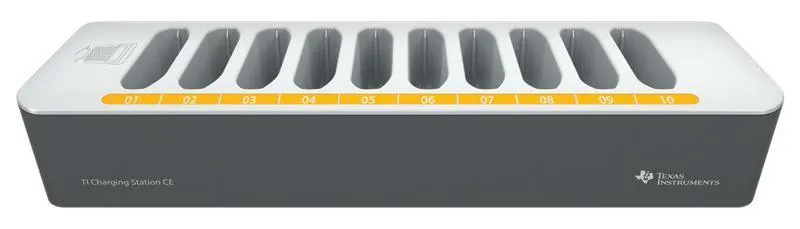
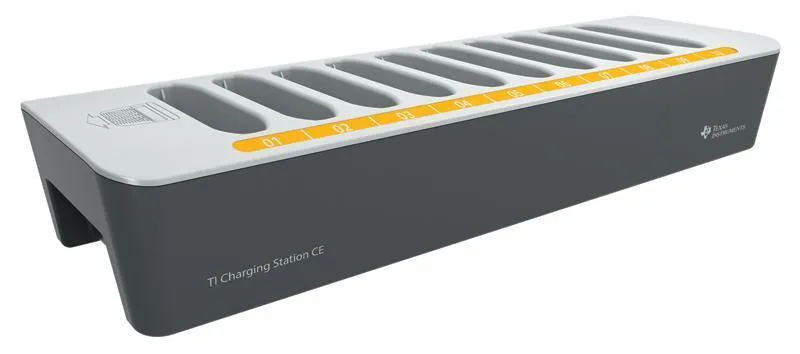
TI-Nspire CX Docking Station
What's in the box?
- TI-Nspire CX Docking Station
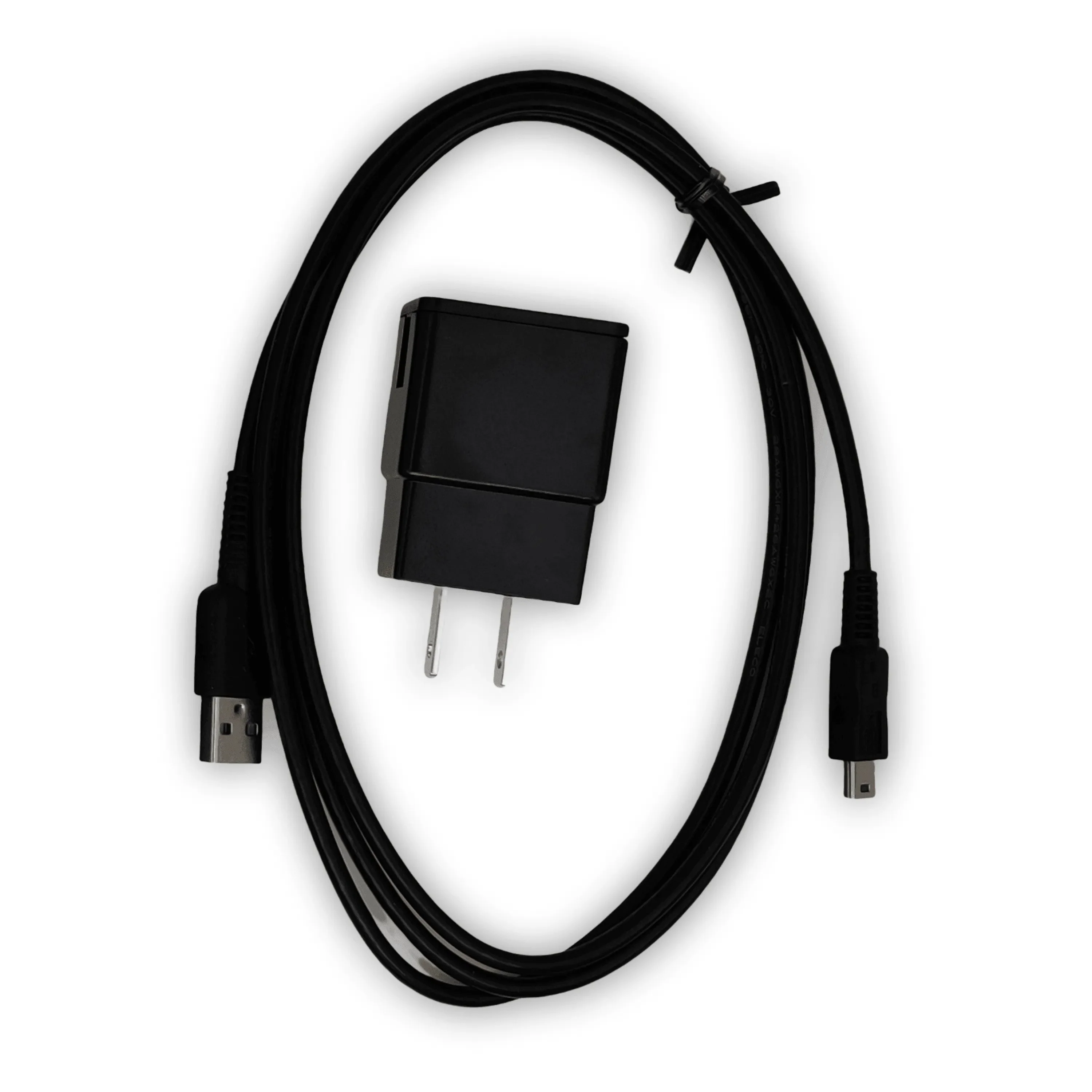
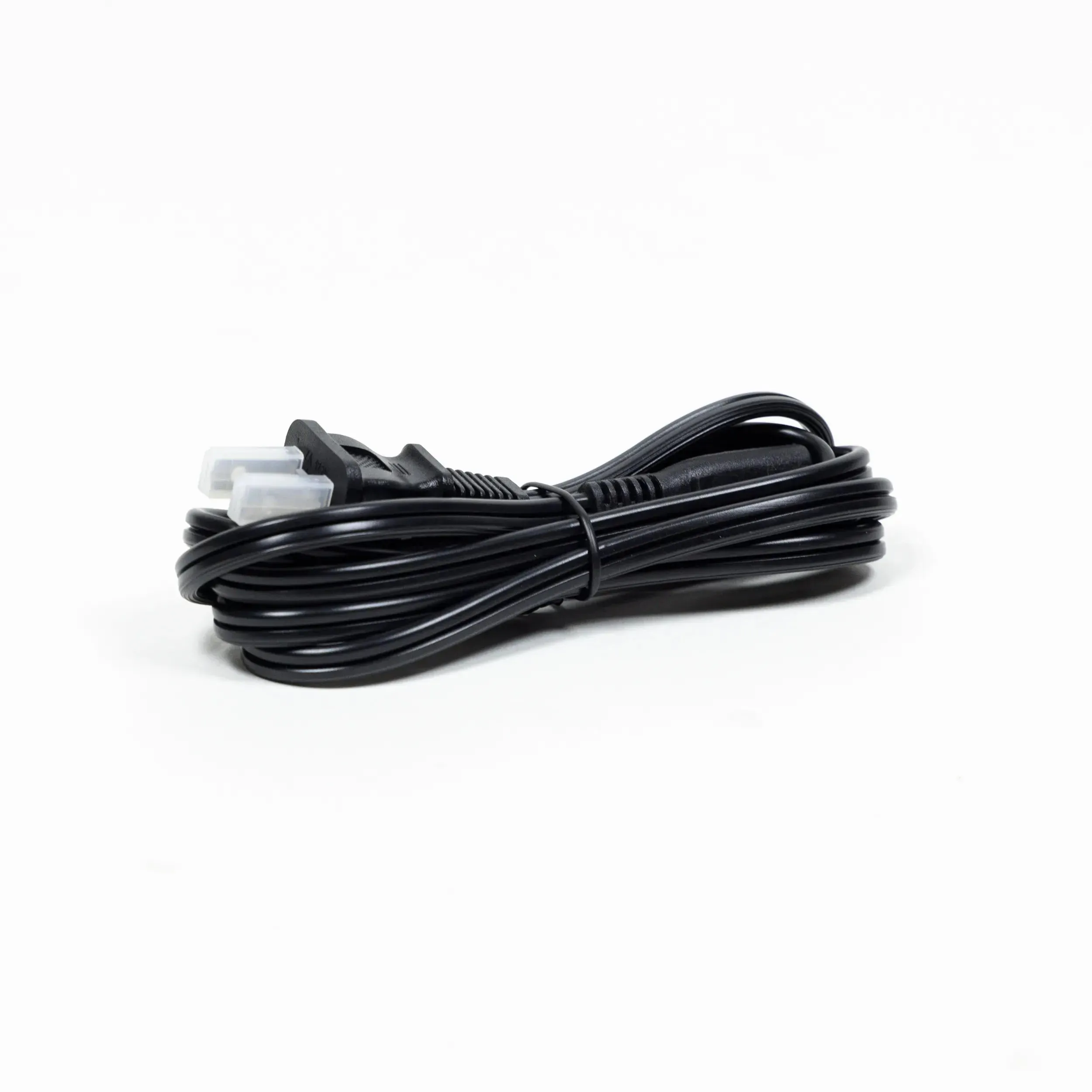
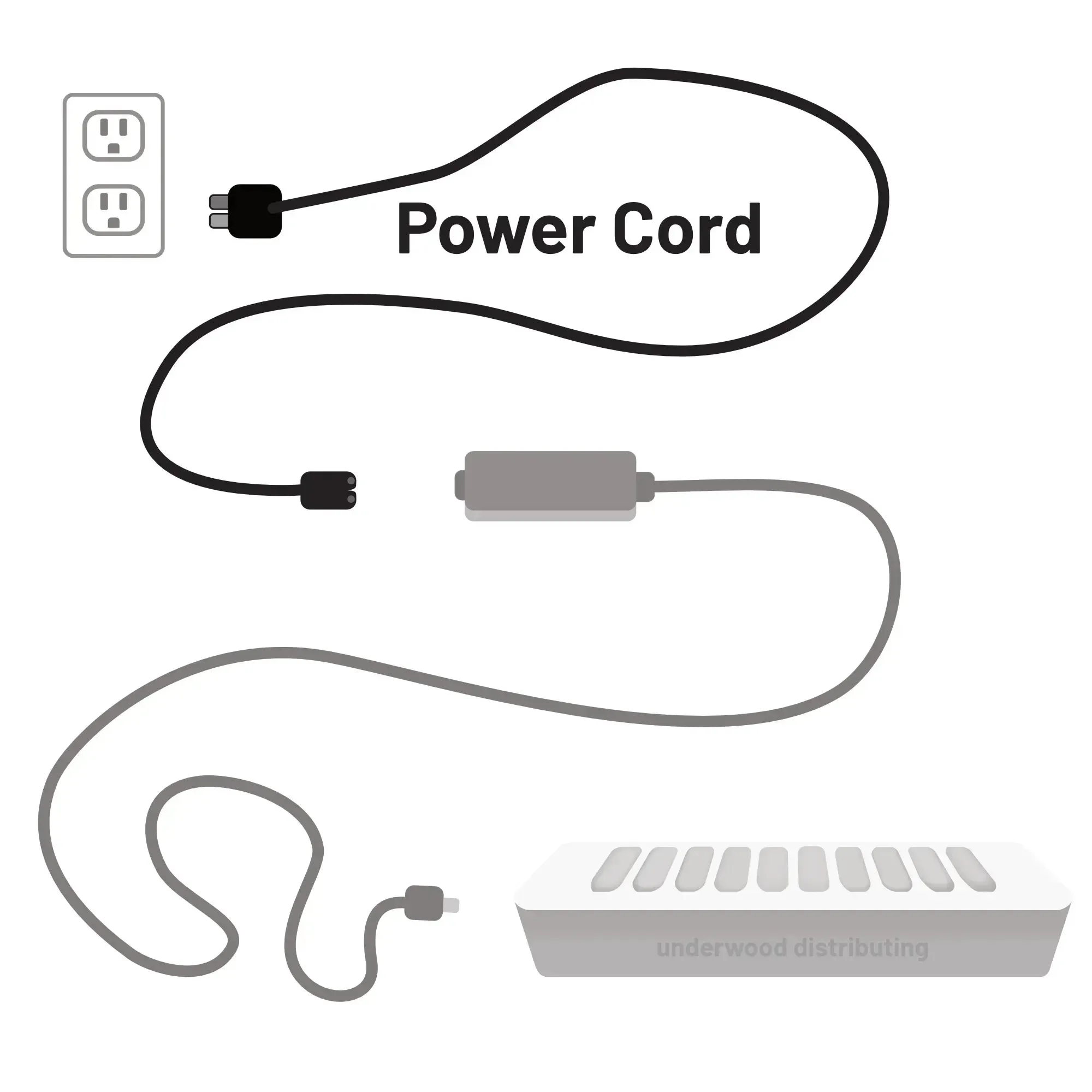
- Power Cord
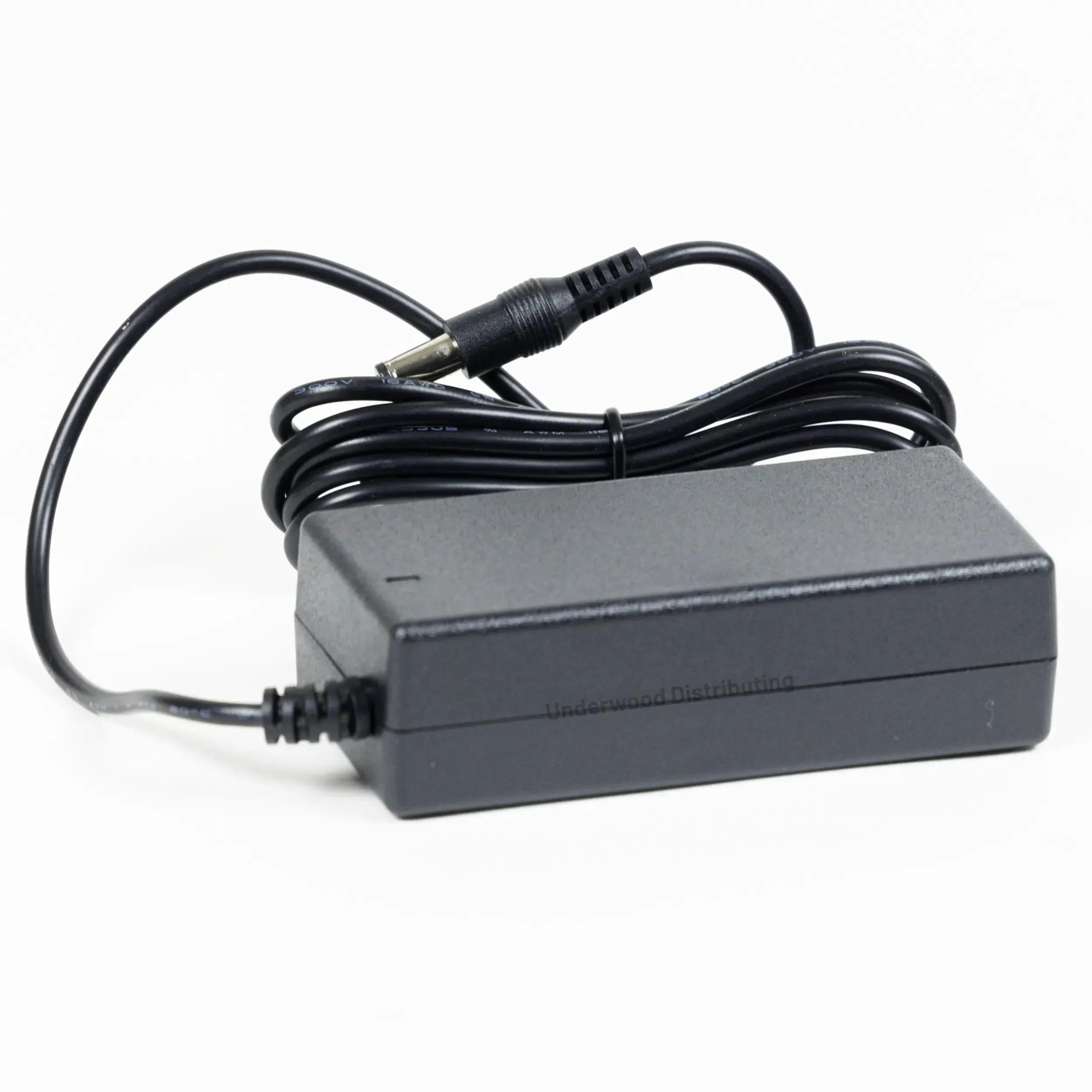
- Power Adapter
- Getting Started Guide
Operation
Data Transfer
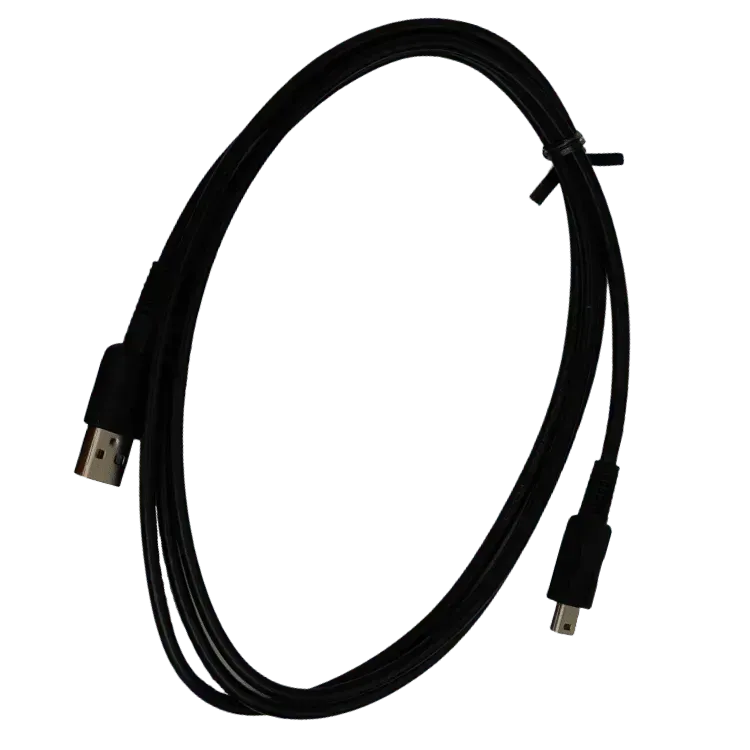
To transfer data to the calculators docked in the Ti-Nspire CX Docking Station, a TI Charging/Data transfer cable must be used to connect your computer to the docking station.
Charging
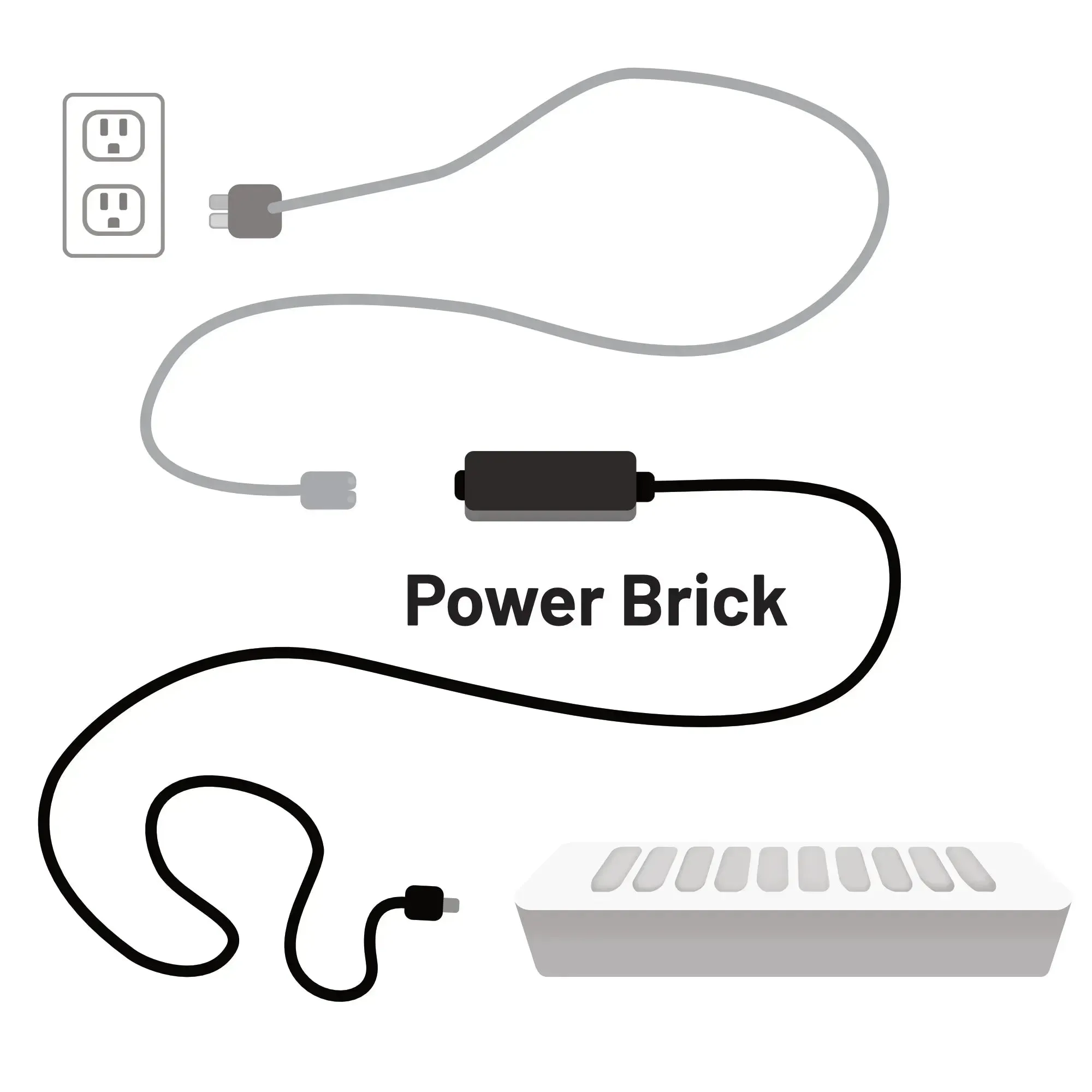
To charge the calculators docked in the Ti-Nspire CX Docking Station, the Docking Station must be plugged into the wall using the included Power Supply and Power cord.
About the Ti-Nspire CX Docking Station
Designed to help make class preparation easier for educators using TI-Nspire or TI-Nspire CAS Teacher Software, use this to store and recharge up to 10 TI-Nspire CX and/or CX CAS Handheld units. Monitor each handheld's battery status via LEDs located on each dock and transfer TI-Nspire documents with ease. Class activities and homework can be sent electronically to multiple student handhelds at the same time. Also, update handheld operating systems by linking the docking station to TI-Nspire Teacher Software to TI-Nspire Teacher Software to quickly transfer the latest OS update files to multiple handhelds simultaneously. The software also tracks the OS version for each unit and identifies those that need an update.
Compatibility
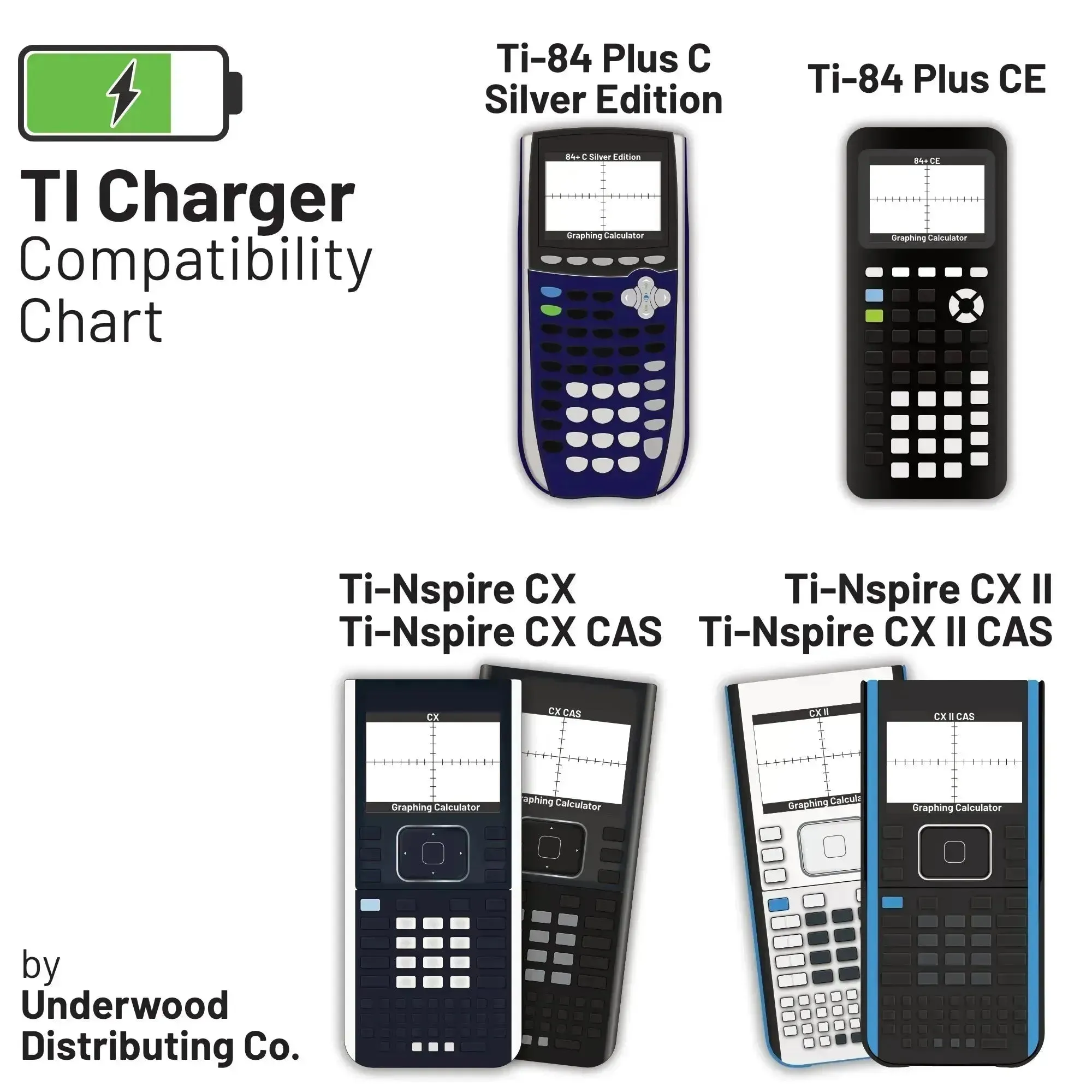
The Ti-Nspire CX Docking Station charges and transfers data to the following Texas Instruments Ti-Nspire Graphing Calculator Models:
- Ti-Nspire CX
- Ti-Nspire CX (in EZSpot Yellow)
- Ti-Nspire CX CAS
- Ti-Nspire CX II
- Ti-Nspire CX II (in EZSpot Yellow)
- Ti-Nspire CX II CAS
Original: $129.95
-70%$129.95
$38.98Product Information
Product Information
Shipping & Returns
Shipping & Returns
Description
What's in the box?
- TI-Nspire CX Docking Station
- Power Cord
- Power Adapter
- Getting Started Guide
Operation
Data Transfer
To transfer data to the calculators docked in the Ti-Nspire CX Docking Station, a TI Charging/Data transfer cable must be used to connect your computer to the docking station.
Charging
To charge the calculators docked in the Ti-Nspire CX Docking Station, the Docking Station must be plugged into the wall using the included Power Supply and Power cord.
About the Ti-Nspire CX Docking Station
Designed to help make class preparation easier for educators using TI-Nspire or TI-Nspire CAS Teacher Software, use this to store and recharge up to 10 TI-Nspire CX and/or CX CAS Handheld units. Monitor each handheld's battery status via LEDs located on each dock and transfer TI-Nspire documents with ease. Class activities and homework can be sent electronically to multiple student handhelds at the same time. Also, update handheld operating systems by linking the docking station to TI-Nspire Teacher Software to TI-Nspire Teacher Software to quickly transfer the latest OS update files to multiple handhelds simultaneously. The software also tracks the OS version for each unit and identifies those that need an update.
Compatibility
The Ti-Nspire CX Docking Station charges and transfers data to the following Texas Instruments Ti-Nspire Graphing Calculator Models:
- Ti-Nspire CX
- Ti-Nspire CX (in EZSpot Yellow)
- Ti-Nspire CX CAS
- Ti-Nspire CX II
- Ti-Nspire CX II (in EZSpot Yellow)
- Ti-Nspire CX II CAS